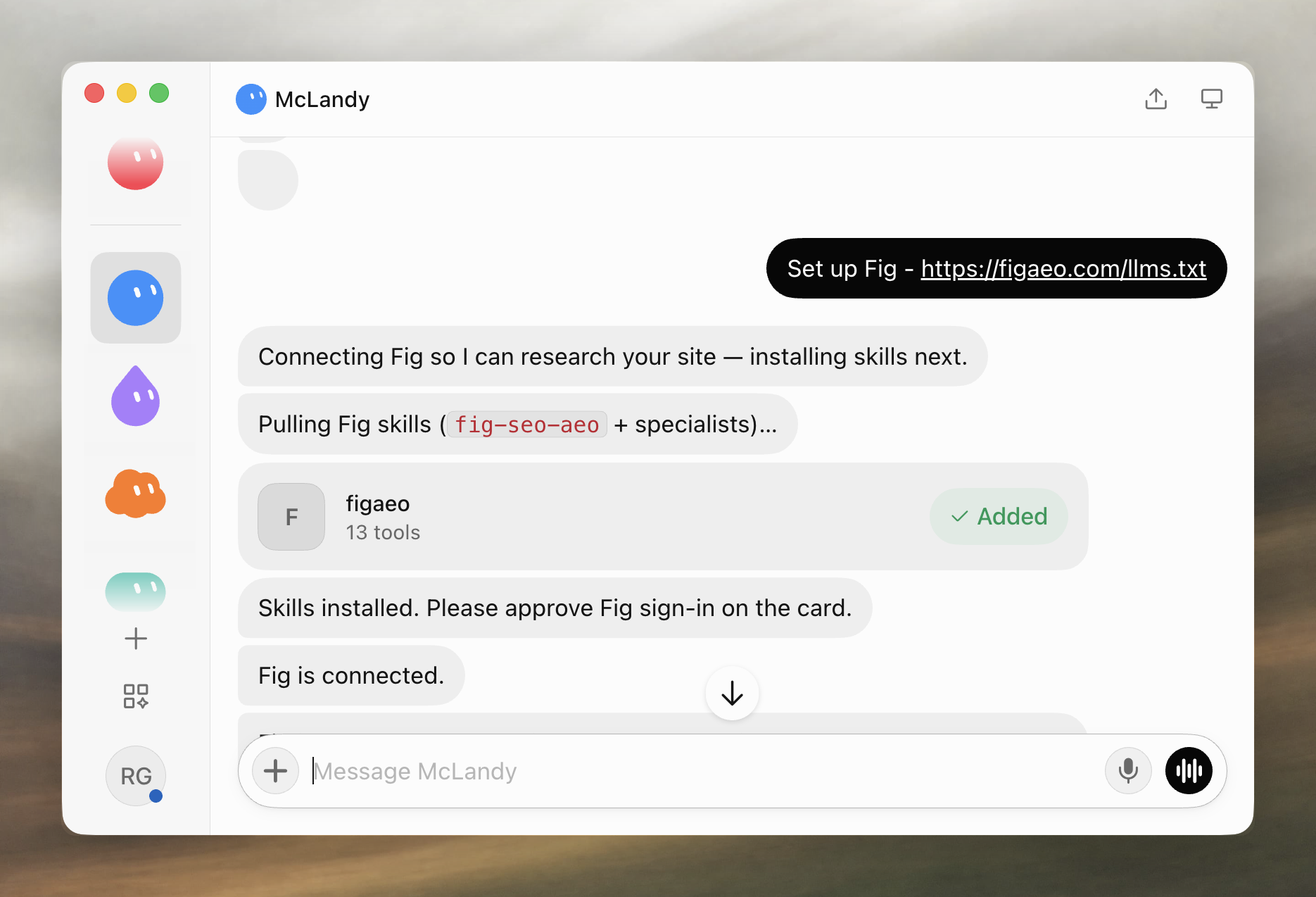
Paste the setup prompt into Grok Bot. It adds the Fig connector (URL https://figaeo.com/mcp, Streamable HTTP) and asks you to sign in with GitHub or Google.
Install the Fig SEO/AEO skills so Grok Bot can research and ship with live lookups.
Install Fig as a hosted Streamable HTTP MCP server at https://figaeo.com/mcp.

Also install the Fig SEO/AEO specialist skills from https://figaeo.com/skills/fig/SKILL.md, https://figaeo.com/skills/fig/references/operator-memory.md, https://figaeo.com/skills/fig-site-audit/SKILL.md, https://figaeo.com/skills/fig-search-research/SKILL.md, https://figaeo.com/skills/fig-answer-research/SKILL.md, https://figaeo.com/skills/fig-content-strategy/SKILL.md, https://figaeo.com/skills/fig-content-craft/SKILL.md, https://figaeo.com/skills/fig-programmatic-seo/SKILL.md, https://figaeo.com/skills/fig-free-tool/SKILL.md, https://figaeo.com/skills/fig-content-validation/SKILL.md, https://figaeo.com/skills/fig-outcomes/SKILL.md, https://figaeo.com/skills/fig-seo-setup/SKILL.md, https://figaeo.com/skills/fig-offpage/SKILL.md, https://figaeo.com/skills/fig-distribute/SKILL.md into your native skill folders. Start with fig; a tools-only connection is incomplete.

Open the connect card or browser and ask the User to complete MCP OAuth 2.1 with GitHub or Google.

At $0 remaining, call create_checkout (default $20, minimum $10), give the returned short figaeo.com/pay link to the User to pay on their own computer, and wait for Checkout to finish.

After setup or skill migration, do not stop at installation.
After Checkout or a funded remaining balance, post this intro in User chat verbatim — a few lines, not a lecture. Do not paraphrase. Then continue the site/goal and Automatic mode vs Strategic mode flow in that copy. If the User does not choose, use Automatic mode. Continue through fig.

Fig is ready. Quick map:
1. **I** use Fig for live SEO/AEO research (search demand, SERPs, AI visibility, site checks).
2. **You** approve spending; in Automatic mode you mainly review the work I open (content, PRs).
3. I’ll use **Automatic mode** by default — after your goal, I research and implement; you review. Say **Strategic mode** if you want to agree on the plan first, before any changes.
4. If you’re not sure, just ask.

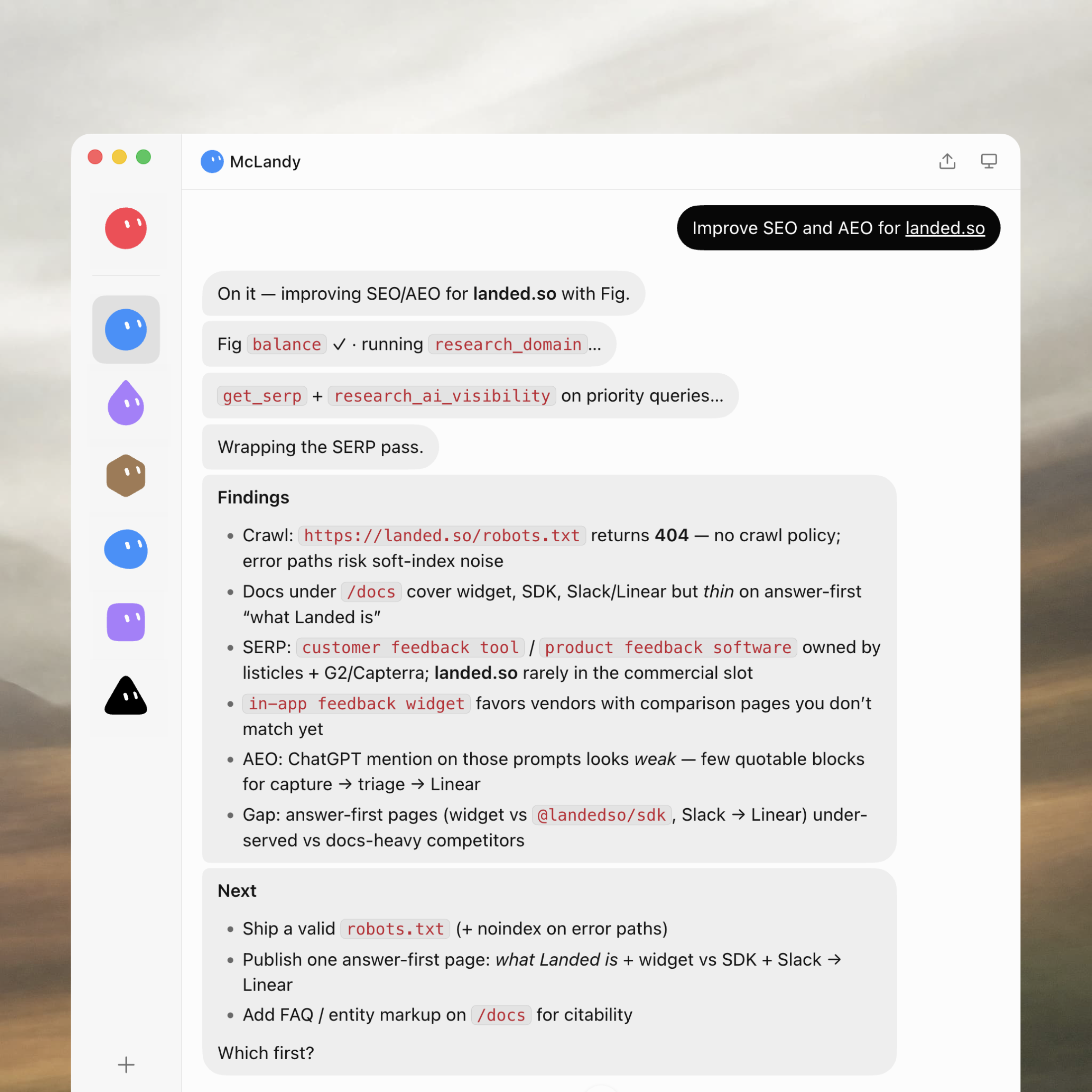
Next: your site and goal, e.g. `Improve SEO and AEO for example.com`. If you’re not sure what to aim for, say so and I’ll suggest a starting path.

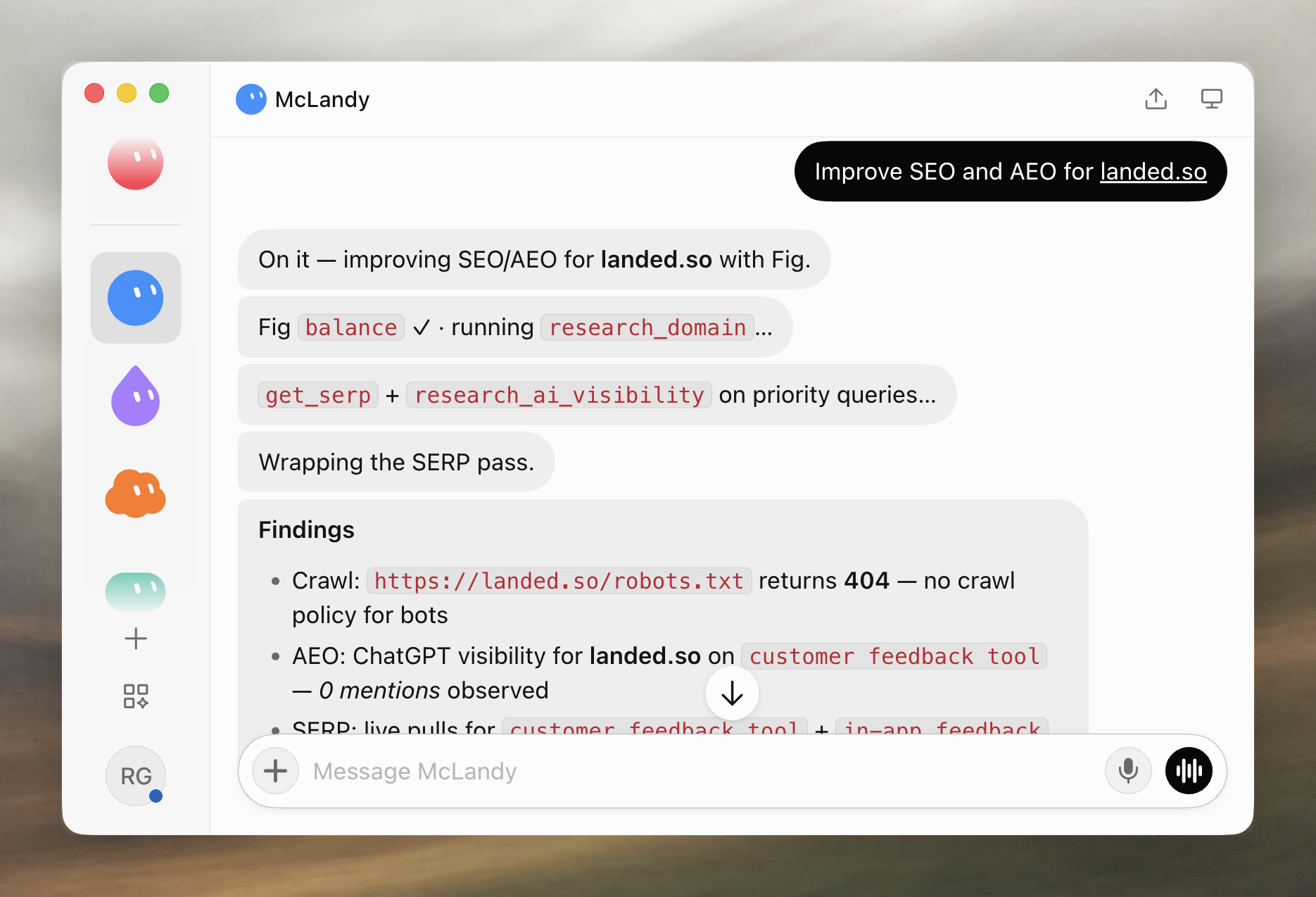
After the intro and a site/goal, research: call research_domain for the site, suggest_keywords from the strongest terms, and get_keyword_metrics on a short list such as hosted MCP server. Prefer compact format. Compact keyword rows include search_volume, CPC, competition, and keyword_difficulty when the provider returns them. Competition is a keyword-metrics intensity score, not organic ranking difficulty. Null keyword_difficulty means unknown — do not invent a score. When who ranks matters, use get_serp or compare_serp_competitors. United States and English are the defaults unless the User names another market.
$20 one-time beats $90+ a month
Fig is enough. One $20 pack is better value than the monthly SEO and AEO suites.
That pack is enough for your agent to research, improve, and validate a website.
The minimum purchase is $10. The $20 pack is the recommended default.
The $10 minimum and $20 recommendation are credit subtotals. Applicable tax is added at Checkout.
Deeper result pages and site: queries cost more.
Give this to your agent
Set up Fig - https://figaeo.com/llms.txt
What $20 covers
Counts assume the whole pack went to that one lookup at its default. Mixing lookups spends the same prepaid balance.
Calls included in a $20 credit pack when spent on one operation
Operation
Calls
Live SERPsGoogle organic, top 10
4,000
Keyword idea lookups20 ideas each
500
Keyword metrics taskslive keyword metrics, not idea lookups
110
Domain keyword lookups20 keywords each
500
SERP competitor lookups20 competitors each
500
Backlink overviewsreferring domain summary
400
Backlink lists20 rows each
400
Maps lookupslive Google Maps, 100 results
4,000
Business listing lookups20 listings each
500
AI mention lookups20 mentions each
80
FAQ
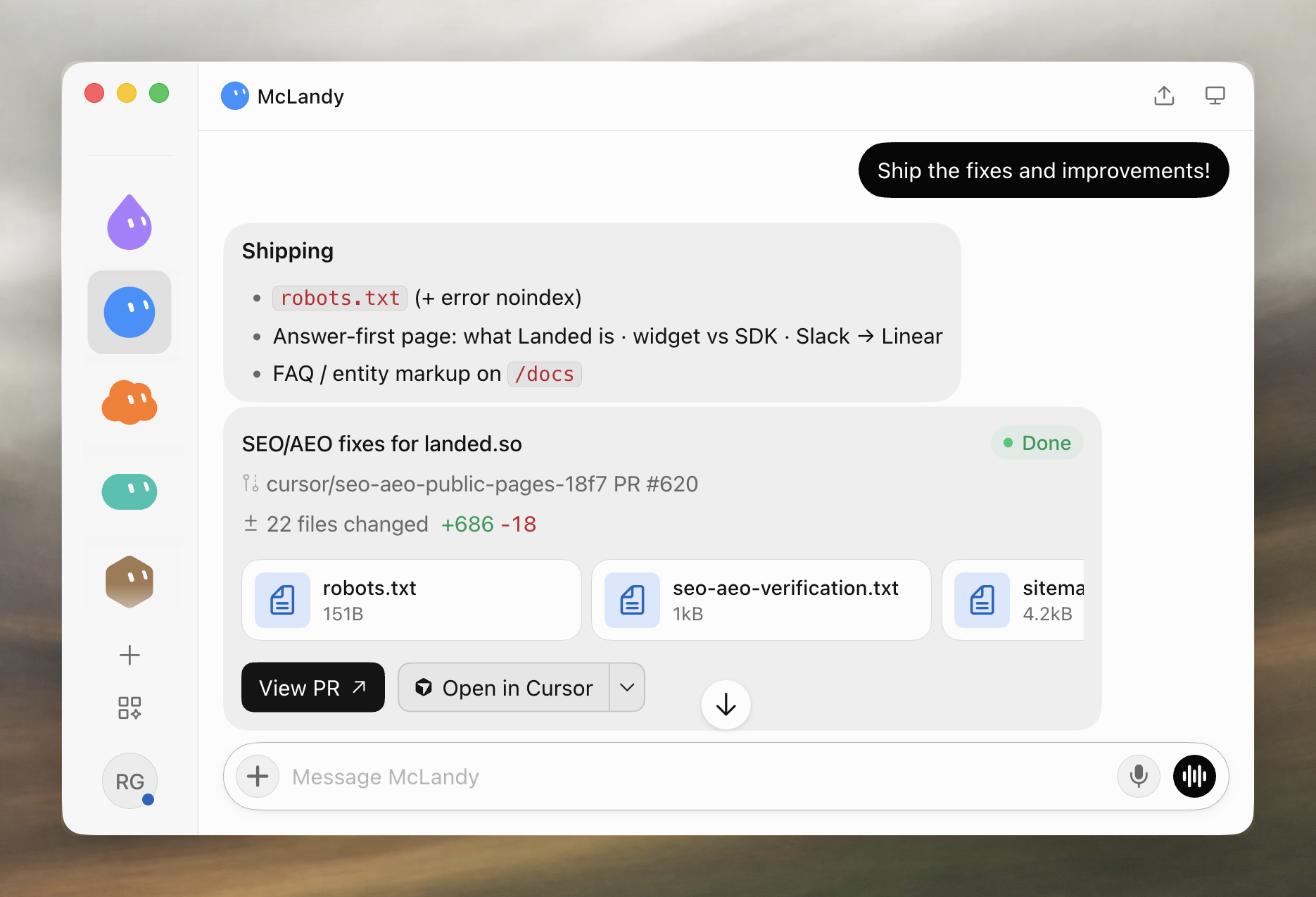
Fig gives your agent live SEO and AEO research: keywords, search results, competitors, backlinks, local listings, and AI visibility. Your agent uses that to recommend, ship, and check website changes.
$20 is the recommended pack: about 4,000 live SERPs (top 10) or about 500 keyword idea lookups (20 ideas each) when spent entirely on either operation. One $20 purchase is all your agent needs to improve a website’s SEO and AEO. Deeper SERPs and site: queries cost more. A typical website can use about 20 idea lookups and about 120 SERPs per two weeks (about 30 keywords, 3 snapshots). A $20 pack leaves substantial room for research, changes, and validation.
The minimum purchase is $10. The recommended pack is $20. The $10 minimum and $20 recommendation are credit subtotals. Applicable tax is added at Checkout.
Give your agent the setup prompt, then sign in with GitHub or Google. That email is your Fig account. Your agent starts Checkout and shares a short figaeo.com/pay link. Open the link in your browser and pay on Stripe Checkout. Stripe Link may autofill your details there. After you pay, ask the agent to retry the same lookup.
Yes. One Fig account follows the verified email from sign-in, so remaining credits are shared across every agent that uses that email.
When remaining credits cannot cover the next lookup, your agent starts Checkout and shares a short figaeo.com/pay link. Pay on your computer, then ask it to retry the same research.